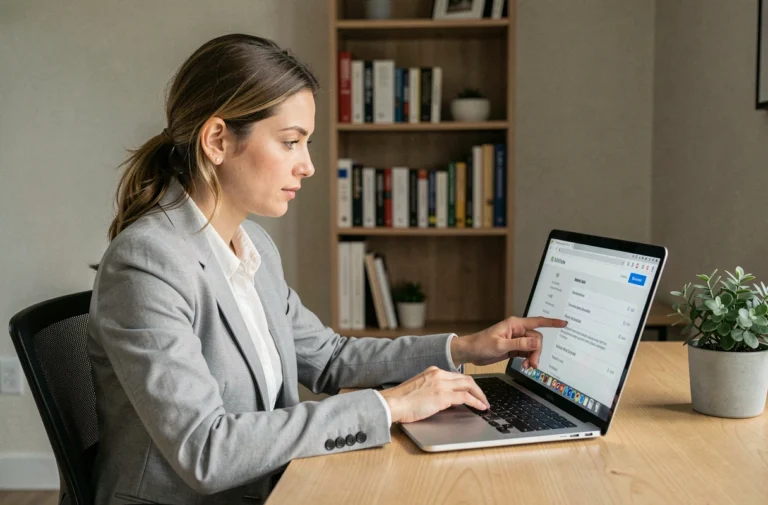
When a user blocks you on Facebook, their profile disappears from your view: the search bar returns nothing, past conversations on Messenger lose the person’s name, and their posts become invisible from your account. The question of how to find this profile often arises, but the answer depends on what Facebook technically allows and what it locks down.
Profile blocking and Messenger blocking: two distinct mechanisms on Facebook
Most guides treat blocking as a unique phenomenon. Facebook actually operates two independent types of blocking, and confusing them leads to false conclusions about what remains visible or not.
| Type of blocking | Effect on profile | Effect on Messenger | Visibility in shared spaces |
|---|---|---|---|
| Profile blocking | Profile completely hidden from the blocked person | Communication cut off | Content may remain visible in groups, events, or group conversations |
| Messenger-only blocking | Profile still accessible | Messages blocked | No restrictions on the profile or shared spaces |
This distinction changes everything. If you can no longer find a profile via search, a complete profile block has been activated. If you still see the profile but can no longer send a message, only Messenger is affected.
Meta presents profile blocking as a reciprocal action on interaction, not as a total disappearance of the person from the platform. Traces may remain in common spaces (groups, public comment threads, events). The blocked account simply can no longer access your profile directly, and vice versa.
Several methods circulate to try to access the Facebook profile of a blocker, but their actual effectiveness varies significantly depending on the type of blocking applied.
Bypassing Facebook blocking: what works and what doesn’t
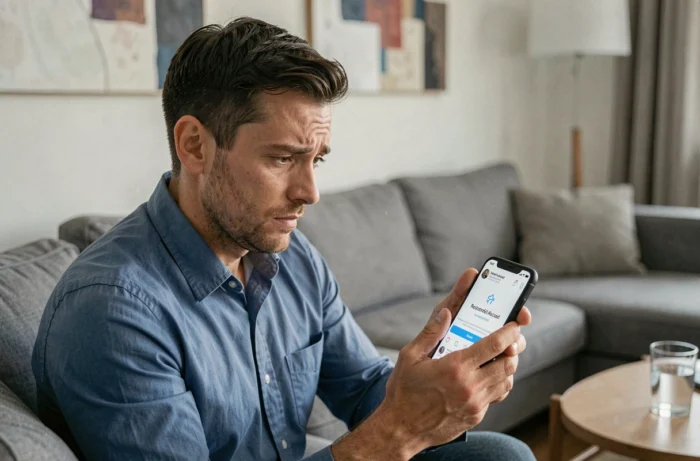
The techniques presented on forums and tutorials fall into three categories: those that exploit logical flaws in the platform, those that rely on indirect access, and those that fall under pure misinformation.
Search via an external engine
Typing the person’s name followed by “site:facebook.com” in Google or Bing may bring up a link to the profile. This link will exist if the profile is indexed by search engines, which depends on the privacy settings chosen by the user.
However, clicking on this link from your logged-in account will return an error page or a message indicating that the content is not available. The blocking applies on the server side, not the browser side. Being logged out of Facebook at the time of viewing sometimes allows you to display the public version of the profile, provided it exists.
Ask a mutual contact
A mutual friend who is not blocked can view the profile normally. This approach does not bypass any technical restrictions: it simply uses an account that is not affected by the block.
This method remains the most reliable way to check that a profile still exists and has not been deleted. Facebook does not notify the blocked person, which means that the only way to distinguish a block from an account deletion is through a third party or by conducting a disconnected search.
Create a second account
Some guides suggest creating a new Facebook account to view the profile. This practice violates Meta’s terms of use, which explicitly prohibit the possession of multiple personal accounts. The concrete risks include:
- Suspension or deletion of both accounts if Meta detects the link between them (IP address, device, phone number)
- Permanent loss of access to the main account in case of repeat offenses
- No guarantee of results, as the privacy settings of the target profile also apply to the new account
Third-party tools and browser extensions
Some sites and extensions claim to “unlock” blocked profiles. No external tool can bypass a block applied on the server side by Facebook. These services generally collect your login data or install unwanted software.
Residual visibility after a Facebook block: what the platform allows to filter through
Blocking does not erase all traces of a user in the spaces you shared before the block. Here are the documented cases where content remains partially accessible:
- Comments left by the person in public groups or public pages remain visible, even if the name sometimes appears as “Facebook User”
- Group conversations on Messenger retain the person’s old messages, although their name may be replaced
- Events you participated in together may still display their name in the list of participants, depending on the event’s settings
This residual visibility does not allow for viewing the complete profile. It simply confirms that the account still exists and that the block is active.
Legal and technical limits of bypassing blocks on Facebook
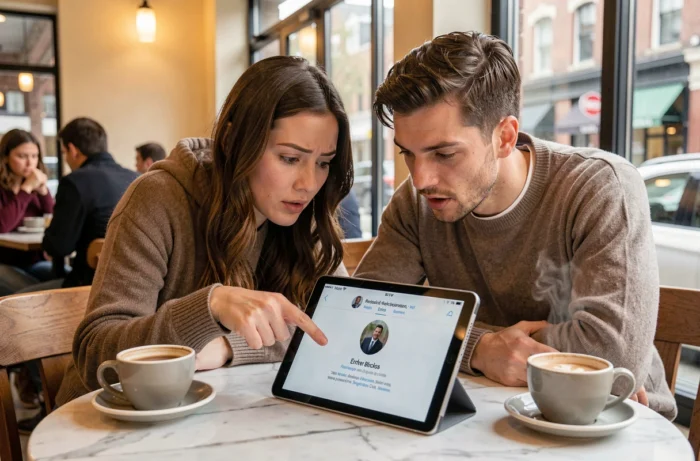
Blocking on Facebook is a protected privacy choice. Attempting to bypass it repeatedly or aggressively may constitute harassment under French law, especially if the person has clearly expressed their desire to cut off contact.
Bypassing a block does not restore the friendship relationship on Facebook. Even if you manage to view a profile through another account or a search engine, you cannot interact with posts, send messages, or appear in the person’s suggestions.
Meta does not provide any mechanism to know who has blocked you. The platform never notifies the blocked person, and the block list is only accessible to the one who set it up, through the account’s privacy settings. The only possible action on the blocked person’s side remains to request unblocking through an external channel to Facebook, if communication is still desired by both parties.